 Live on the App Store
Listen to
anything.
The Narrator turns an article into a natural-sounding narration, or into a conversation between two hosts who talk it through. Paste a link, raw text, a document, or a photo of a page.
A link in, a two-host podcast out. 23 seconds, unedited.
Not a robot reading a webpage.
Most read-aloud tools start at the top of the page and work down, navigation menus and cookie banners included, in a voice that makes you want to stop. The Narrator pulls out the article itself, then either reads it in a natural voice or turns it into a conversation between two hosts.
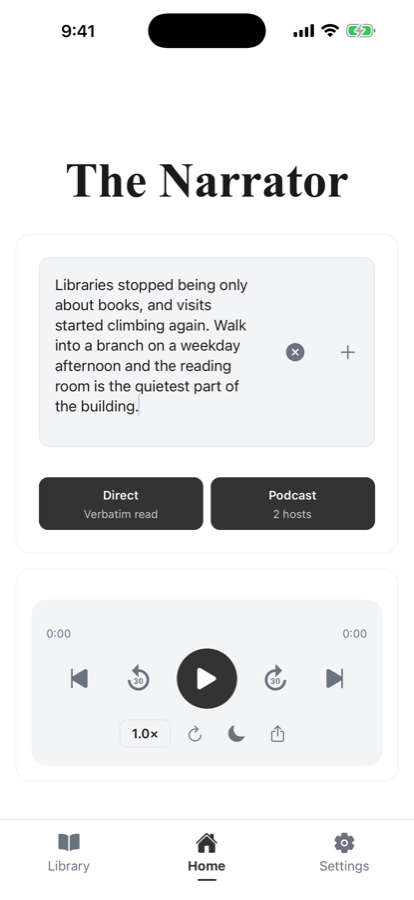
Paste anything
A URL, raw text, a PDF or document, or a photo of a printed page.
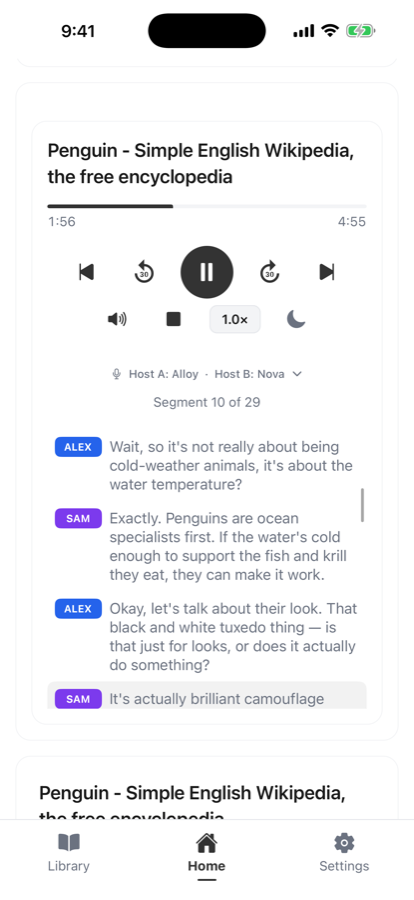
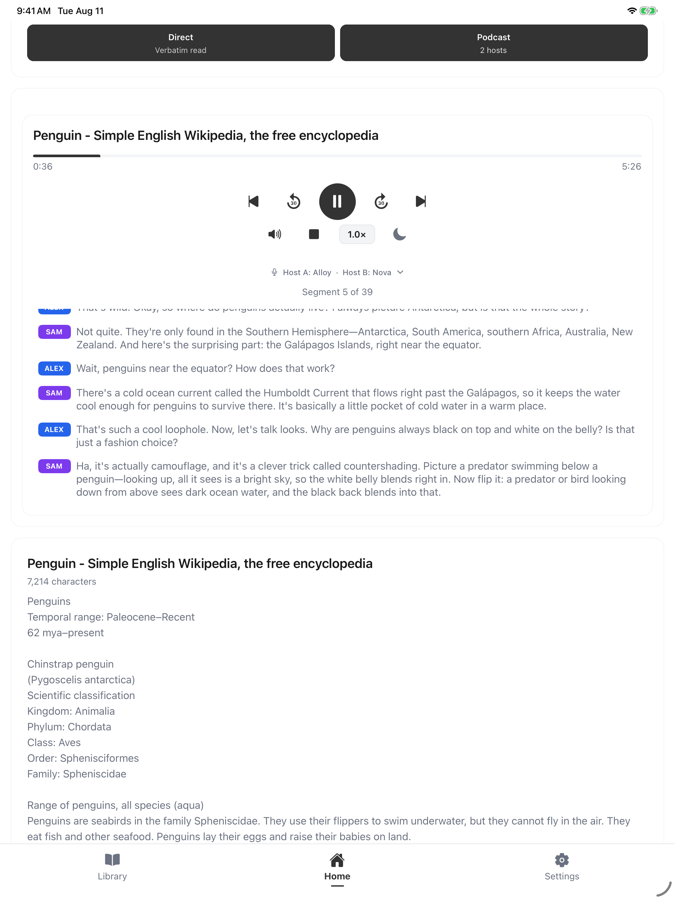
Podcast mode
Two AI hosts discuss the article, with a transcript that follows along.
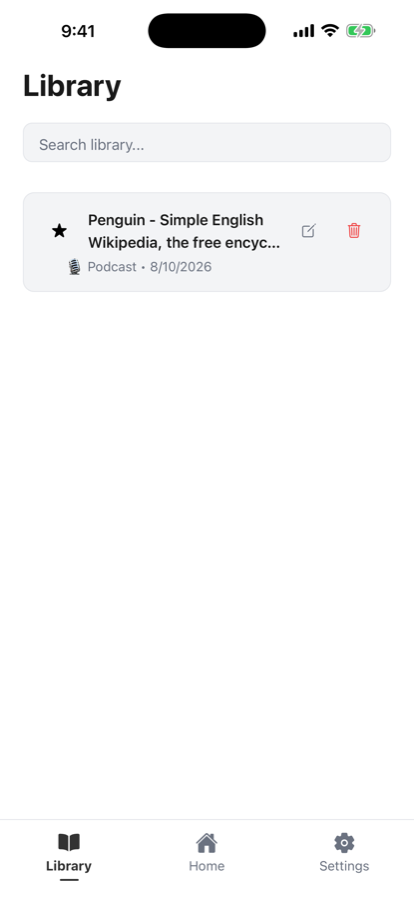
Your library
Every narration saved and labelled, ready to pick back up later.
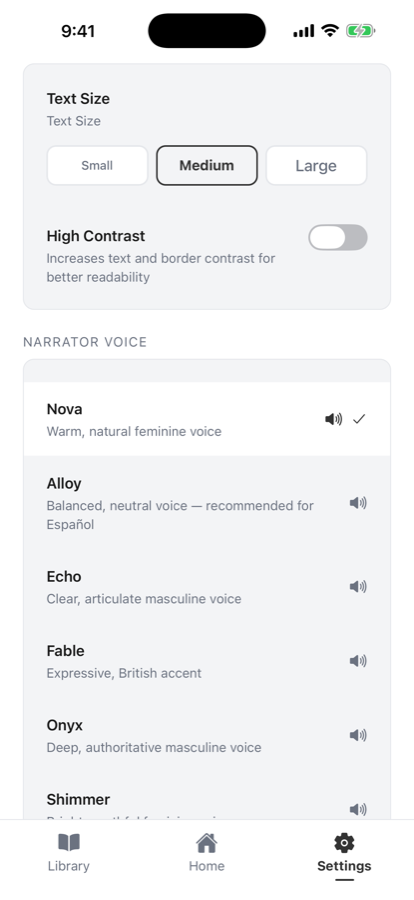
Six voices, cast your hosts
Warm, bright, deep. Preview each one, and give each podcast host a different voice.
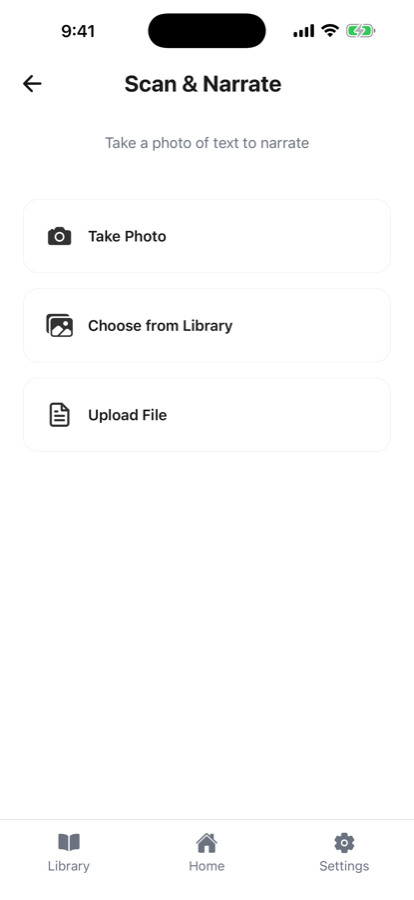
Scan a real page
Point the camera at a book, a letter, or a menu, and listen to it.
Keeps playing while you do something else.
Audio continues in the background, with lock screen and Control Center playback, so a narration keeps going when you put the phone in your pocket or switch to another app.
Narration runs in English and Spanish, and the whole app scales with your text size, honours high contrast, and is labelled for VoiceOver throughout.
For the reading that keeps piling up.
Course readings, scientific papers, industry publications, long-form journalism, the documentation you keep meaning to get through. Things worth reading properly, that rarely get a quiet hour at a desk.
Students and researchers
Get through assigned reading, papers, and literature reviews. Hearing two hosts talk a dense paper through is often an easier way into an unfamiliar subject than reading it cold.
Long articles and publications
Scientific articles, journals, trade publications, and reports get read start to finish in a natural voice, instead of being skimmed and left open in a tab for a month.
When your hands and eyes are busy
Driving, commuting, dishes, laundry, walking the dog, at the gym. Playback keeps going with the screen off and picks up where you stopped.
Length is worth checking for very long pieces: a plan covers articles up to 15,000 characters on Casual and 30,000 on Unlimited, which is most journal articles but not a whole book chapter.
Start free, no account needed.
Five AI narrations are free. After that, the basic device voice keeps working for free, and a plan unlocks the AI voices and podcast hosts.
Free
$0
to start
- 5 AI narrations
- Basic device voice after that
- Podcast mode included
Casual
$4.99
per month
- 75 narrations per day
- All six voices
- Podcast mode
- Articles up to 15,000 characters
Unlimited
$9.99
per month
- Unlimited narrations
- All six voices
- Podcast mode
- Articles up to 30,000 characters
Worth knowing before you subscribe: some sites block automated readers, so paywalled and bot-protected pages may not be readable. Try your usual sources with the free narrations first. Subscriptions renew monthly and can be cancelled any time in your Apple Account settings.